

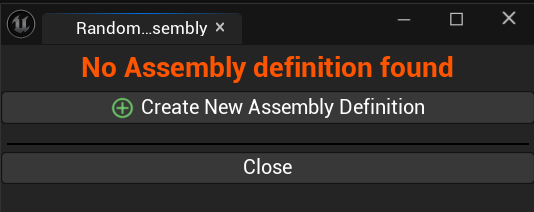
No Random Assembly Definition set up.


 ***
You have a shortcut available with this button:  to go to the Level Instance asset used by the random assembly.
Beside, If you change the content of the linked level instance (Editing / Adding / Removing actors, change tags, ...), you will need to update the PCG Data Asset accordingly, this can be done with this button: 
***
#### Debug view:
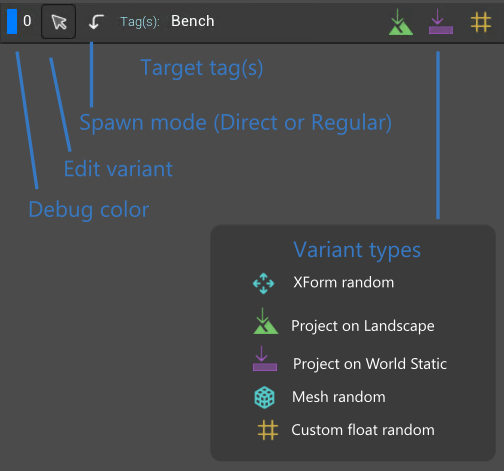
The "Show tags" checkbox display object's bounds (with the debug color) and display also the actor tags used by the variants:
***
You have a shortcut available with this button:  to go to the Level Instance asset used by the random assembly.
Beside, If you change the content of the linked level instance (Editing / Adding / Removing actors, change tags, ...), you will need to update the PCG Data Asset accordingly, this can be done with this button: 
***
#### Debug view:
The "Show tags" checkbox display object's bounds (with the debug color) and display also the actor tags used by the variants:
